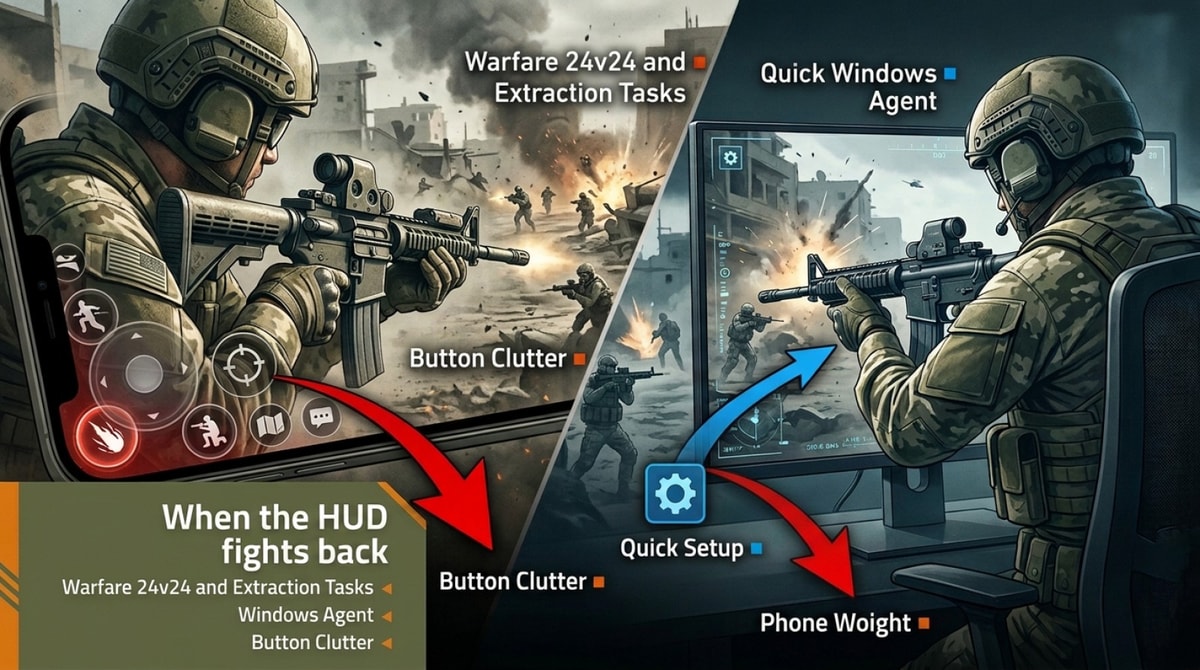
Delta Force is worth playing on a phone if you want a serious military shooter and can accept a busy touch layout, longer matches, and possible strain on the device. It is a poor fit for short, relaxed rounds or one-thumb play.
The mobile version carries a large-scale pitch, but its real test starts after the first match: can your hands, screen, and phone keep up with the tactical load?
What Delta Force promises on mobile
As of August 16, 2026, the official pitch presents Delta Force as a free-to-play AAA-styled shooter built around First Mobile Warfare and 24v24 Combat. That wording points to scale rather than a lightweight arcade session. The game also spans Android, iOS, and Windows, so the mobile release belongs to a wider PC and mobile ecosystem rather than operating as a phone-only experiment.

The store listing offers a useful snapshot: 4.59/5 from 774,429 ratings and 10,000,000+ installs as of August 16, 2026. It lists Garena Mobile Private Limited as the developer, places the title in the Action category, and marks the download as free with in-app purchases. The entry cost is low, but calling Delta Force completely free would be inaccurate. Published reviewers have also described the game as unfinished in places, citing reservations about balance, map count, or the completeness of some features.
The deciding test is simple: accept the tactical load, longer sessions, and possible device strain, or choose something built around short casual rounds. Garena store pages and the global Proxima Beta-facing listing should not be treated as verified identical builds, so check the listing available in your country instead of changing region to chase another version.
A quick install then a crowded HUD
Getting access is the easy part. Use the official listing on Google Play or the App Store, while keeping in mind that availability can differ by country. The available account paths are broader than the control scheme: the Garena FAQ lists Garena, Facebook, Apple on iOS, Google on Android, and guest access. That gives you a straightforward way into a match, but it does not reduce the number of actions competing for space on the display.

From the opening firefight, the touch HUD has to hold movement, aiming, shooting, reloading, crouching, jumping, weapon changes, and gadget controls in the same visual field. A larger phone may make the layout easier to read, but it does not turn the arrangement into a simple one-thumb system. By the end of the first match, the minimap and basic buttons may begin to make sense. Tactical gunfights still demand two-thumb coordination and repeated muscle-memory work before the larger combat design feels comfortable.
Account sign-in paths
Account setup is flexible enough for different phone ecosystems. On iOS, Apple and Facebook are documented options alongside Garena and guest access; on Android, Google joins those choices. Guest access lowers the first-session barrier, while a linked account is the safer route if you care about preserving progress across supported sessions. The key limitation is regional: Garena-facing pages and the global Proxima Beta-facing listing are not confirmed as one identical build, so the local listing should settle which sign-in flow applies.
Fighting with on-screen buttons
The crowded HUD hurts most when a fight demands movement and precision at the same time. Reaching for a gadget, adjusting aim, and keeping cover can compete for the same small area of the screen, especially on a compact phone. Players who already use two-thumb or multi-finger layouts have a clearer path to control; anyone expecting comfortable one-thumb shooting should skip Delta Force mobile. The first match teaches the interface, but mastery requires deliberate layout adjustment and longer practice sessions.
24v24 fights and extraction stakes
Delta Force gives the competitive survival question two different answers. Warfare is the large-scale military mode, while Extraction turns each match into a risk calculation around equipment, positioning, and escape. Players and review aggregates generally describe the large-scale shooting as enjoyable, but the split between these modes matters more than a simple quality label. One gives you a battlefield to control with a squad; the other makes every failed exit expensive.

The pace of Warfare rounds
Warfare is presented at an official 24v24 scale, so pressure comes from squad movement, lane control, and the timing of pushes more than from a lone duel. Several fights can demand your attention at once. That suits players who like formations, support roles, and planned engagement distances. Loadouts matter because the useful choice is often the one that helps your lane hold, not the one that wins a private aim contest. Military-shooter fans get a structure closer to organized combat than arcade run-and-gun, although the crowded mobile HUD can make that structure harder to read.
What extraction costs if you die
Extraction supplies the competitive survival layer: you bring gear into the match, search for advantages, and risk losing that investment if you fail to leave. The mood changes immediately. A reckless fight can cost more than a lost elimination, while a cautious rotation may be the correct play even when it feels less exciting. This loop suits players who can accept longer sessions and uneven outcomes. Published reviews have also flagged unfinished balance, limited map variety, or incomplete systems at different points. Those are real limits to weigh, not reasons to dismiss the game when its central battlefield loop already fits your taste.
Phone strain versus the Windows client
Delta Force has no established official phone tiers or FPS targets in the available information, so smoothness should be treated as approximate rather than promised. Device load, heat, and network quality can change the feel of a match. Player reports also describe lag or high latency swinging between devices and connections. The Windows client changes the control problem, but it does not remove the need for a stable connection.
| Axis | Phone | Windows |
|---|---|---|
| Controls | Touch aiming and a crowded HUD require layout adjustments. | Mouse and keyboard provide more direct control during long firefights. |
| Heat and stability | Long sessions may put more strain on the handset; exact limits vary by device. | A larger setup can be more comfortable, but network quality still affects online play. |
| Progression | Android and iOS access depends on the available regional listing. | Windows belongs to the wider ecosystem, with Garena cross-progression where that server path exists. |
That last point matters if you switch platforms. Garena launch information describes cross-progression on Garena servers, so moving between supported platforms is not always a complete reset. Pick the phone version for mobility and accept its control and heat compromises. Use Windows if touch aiming is the main barrier.
Settings that calm the stutter
Start with stability, not visual ambition. Some player reports say that lowering rendering-related settings or improving the connection reduces lag on certain devices, but that is a limited report rather than a universal fix. A stable connection beats maxed graphics in a gunfight where delayed input can decide the result. If the image looks less polished but movement and hit timing become more consistent, that is the better trade for competitive play.
- Lower rendering strain first. Reduce the rendering-related options your device struggles to maintain, then check whether aiming feels steadier across a full engagement instead of judging the opening screen.
- Protect the connection. Move closer to a reliable network source and avoid starting a serious Extraction run when the connection is already unstable. The expected result is fewer sudden latency swings, not a guaranteed cure for every hitch.
- Match the mode to your available time. Choose a shorter Warfare session when you have a narrow window. Save Extraction for days when you can absorb a gear loss and finish the escape loop without rushing.
- Trim aim sensitivity. Before the next round, lower sensitivity until your thumb stops over-rotating. The expected result is cleaner close-range tracking, especially when a target crosses the screen quickly.
These changes cannot replace capable hardware or a dependable connection, but they remove avoidable strain before you blame the game or your aim.
Who should stay and who should skip
Stay with Delta Force if you want a military squad shooter built around coordinated lanes, serious loadouts, and the option to risk gear in Extraction. It rewards players who can give a match time to develop and who do not treat a failed escape as wasted effort. The free-to-play release is also available across the Android and iOS mobile ecosystem and Windows according to the available official listings, though regional versions should be checked carefully.
Skip it if you want light arcade rounds that end quickly, or if your phone and connection still stutter after you lower the graphics-related settings. Delta Force mobile is a worthwhile fit for patient military-shooter fans, not for someone seeking effortless one-thumb play or consistently short sessions.


Comments
No comments yet. Be the first to share your thoughts.