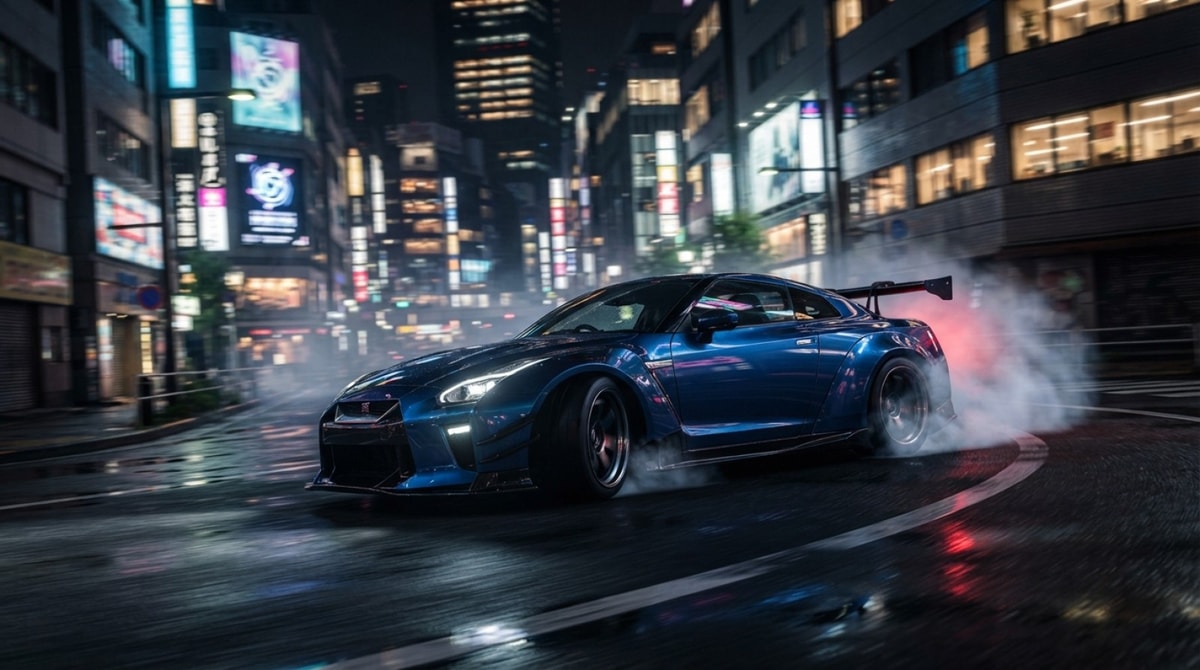
To run CarX Street smoothly and build a winning career, you need to calibrate your graphics settings to eliminate input lag before spending hard-earned cash on performance parts. Whether playing on mobile devices or PC, achieving high frame rates relies on balancing render scale, shadow quality, and framerate caps against demanding real-time open-world geometry.
CarX Street pairs deep vehicle customization with continuous map streaming and realistic physics. Skipping initial graphics tweaks causes sudden frame drops, latency, and lost races, especially when navigating dense downtown traffic or high-speed drift corners.
This guide breaks down essential graphics configurations, core vehicle physics mechanics, and optimal early progression routes based on published game specifications and platform hardware standards.
CarX Street Overview: What Every New Driver Should Know
CarX Street presents a distinct challenge compared to traditional arcade street racers. Available on Android through Google Play, iOS via the App Store, and PC on Steam, the game forces your system to process dense urban environments, dynamic day-night lighting, and continuous tire friction models simultaneously. Understanding how hardware limits interact with graphical options prevents frustrating framerate dips during night races and rapid drift transitions.
Establishing an optimal visual baseline early on ensures consistent vehicle control across every platform. Balancing memory consumption against display resolution maintains steady frame delivery when multiple opponent cars and dynamic lighting strain your graphics chip.
Key System Requirements and Graphical Bottlenecks
Streaming open-world map geometry places heavy demands on mobile processors and system memory, while high-resolution textures require ample video memory on PC rigs. Shadow resolution, post-processing effects, and display resolution directly govern GPU workload during high-speed drifts. Players on mobile devices should monitor hardware temperatures, as continuous rendering at high settings can trigger thermal throttling and severe framerate drops.
Mastering Vehicle Dynamics and Engine Tuning in CarX Street
Vehicle behavior in CarX Street centers on a realistic physical simulation model that prioritizes weight distribution, tire friction, and torque management over simple arcade drifting. Every input—whether throttle control, steering angle, or handbrake actuation—directly alters tire grip on the road surface. Success requires deliberate speed management and smooth steering inputs rather than simple button mashing.
Navigating Open-World Physics and Steering Controls
Moving across varied surface types, including dry asphalt, wet streets, and unpaved shortcuts, dynamically shifts your car's center of gravity. Selecting manual transmission gives you direct control over engine RPM, allowing you to hold power in peak torque bands through long drift arcs without automatic gearshifts dropping momentum at crucial moments. For mobile players using touch or tilt steering, adjusting control sensitivity prevents overcorrecting into concrete barriers.
Cost-Effective Starter Car Upgrades
Spending early cash on inefficient cosmetic or minor engine parts depletes your initial budget without yielding meaningful competitive advantages. Prioritizing strategic component upgrades delivers the most cost-effective lap time improvements across entry-level race categories:
- Tires and suspension tuning: Upgrading tire compounds provides immediate grip improvements, while adjusting spring stiffness and damping stabilizes chassis weight transfer during rapid direction changes.
- Transmission ratios: Fine-tuning gear ratios and final drive settings keeps your engine operating within its power band across tight city circuits and long sprint straights.
- Weight reduction: Removing unnecessary vehicle weight improves acceleration, sharpens braking response, and enhances overall handling agility across every vehicle class.
Optimizing Graphics Settings for High FPS and Zero Lag
Balancing graphical detail against frame rates is critical in CarX Street, where dynamic light sources and detailed map assets place continuous stress on mobile GPUs and PC graphics cards. Maintaining high, stable frame rates ensures responsive steering inputs and precise drift execution during intense street races.
Recommended Graphics Adjustments
- Render Scale and Resolution: Setting render scale slightly below your screen's native resolution significantly reduces GPU workload. On mobile devices, dropping render resolution to around 80% mitigates overheating and prevents thermal throttling during extended racing sessions without noticeable loss of vehicle detail.
- Shadow Quality and Effects: Dynamic shadows generated by streetlamps and headlights place heavy demands on graphics hardware. Reducing shadow settings to low or medium provides instant framerate gains in crowded urban zones. Turning off motion blur sharpens visual tracking during high-speed cornering.
- Framerate Limiters: Capping your target frame rate at a stable 30 FPS or 60 FPS creates predictable frame pacing. Smooth frame delivery provides superior steering control compared to fluctuating frame rates that introduce inconsistent input delay during technical drift maneuvers.
Practical Progression Strategies for Cash and Club Races
Earning cash efficiently in CarX Street requires focused resource management rather than buying multiple un-upgraded vehicles early on. Concentrating your currency into key performance parts unlocks high-paying club events faster and builds a sustainable income stream.
Efficient Earnings Checklist
- Concentrate Resources on One Starter Vehicle: Direct your initial race earnings toward upgrading a single versatile vehicle until meeting entry requirements for top-tier club events. Distributing funds across multiple cars delays career progress.
- Complete Daily Delivery Missions: Delivery contracts yield reliable cash rewards without requiring high-end vehicle performance or entry fees. Completing these missions daily creates a dependable financial base.
- Optimize Race Lines for Sprint Events: While drifting generates style points in drift challenges, taking clean racing lines through corner apexes yields faster times in sprint races. Higher finishing positions yield larger cash payouts.
- Replay High-Yield Sprint Circuits: Identify short sprint tracks with favorable reward-to-time ratios. Replaying these events maximizes hourly income for future vehicle acquisitions and top-tier engine parts.
Final Verdict: Who CarX Street Is For and Next Steps
CarX Street delivers a deep open-world racing experience tailored for players who appreciate realistic driving mechanics, detailed tuning systems, and challenging competition. Although demanding rendering requirements require thoughtful graphics tweaking on mid-range hardware, adjusting render scale and frame rate targets ensures smooth responsiveness across all game modes.
New drivers who invest early funds into a single starter platform, master weight transfer physics, and systematically complete club objectives will establish a solid career without wasting resources. Fine-tune your graphics settings, cap your frame rate, and focus on precise racing lines to maximize both performance and in-game rewards.
- Lower shadow resolution first: Dynamic night shadows consume extensive processing power; lowering shadow detail yields rapid FPS improvements with minimal visual impact on car models.
- Match render scale to thermal capacity: Slightly lowering render scale on mobile devices extends battery longevity and avoids thermal throttling during extended play.
- Cap frame rates for consistent pacing: Capping target frame rates at 30 FPS or 60 FPS ensures consistent input timing for drifting rather than experiencing erratic framerate dips.
- Disable motion blur: Disabling motion blur improves visual clarity around sharp turns and reduces unnecessary GPU rendering overhead.


Comments
No comments yet. Be the first to share your thoughts.